Create a readable front page
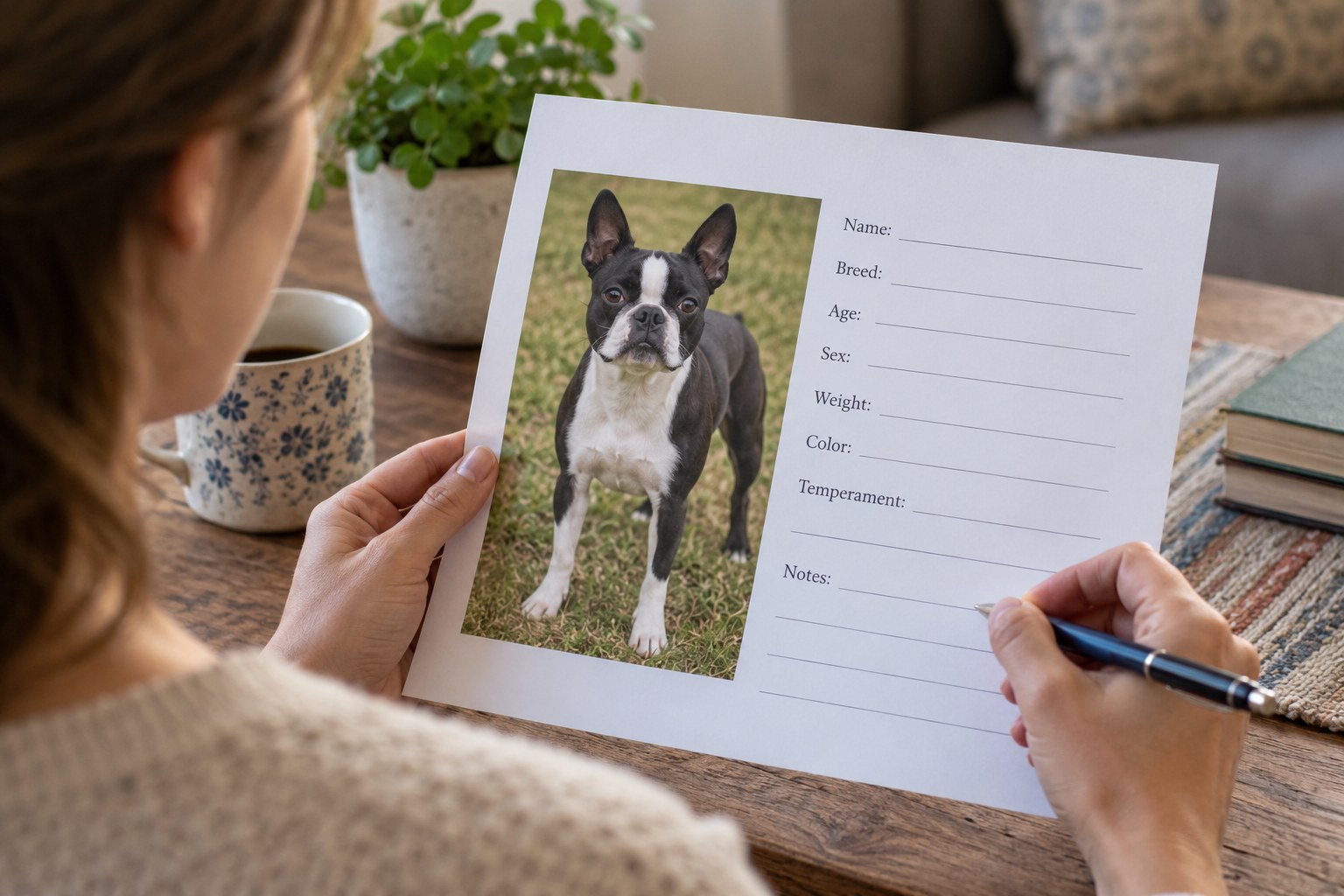
Put the dog's name, identifying details, your contact information and the current veterinary clinic on the first page. Add the rescue's verified contact and the adoption date. Keep this summary distinct from clinical records so your description is not mistaken for a veterinarian's findings.
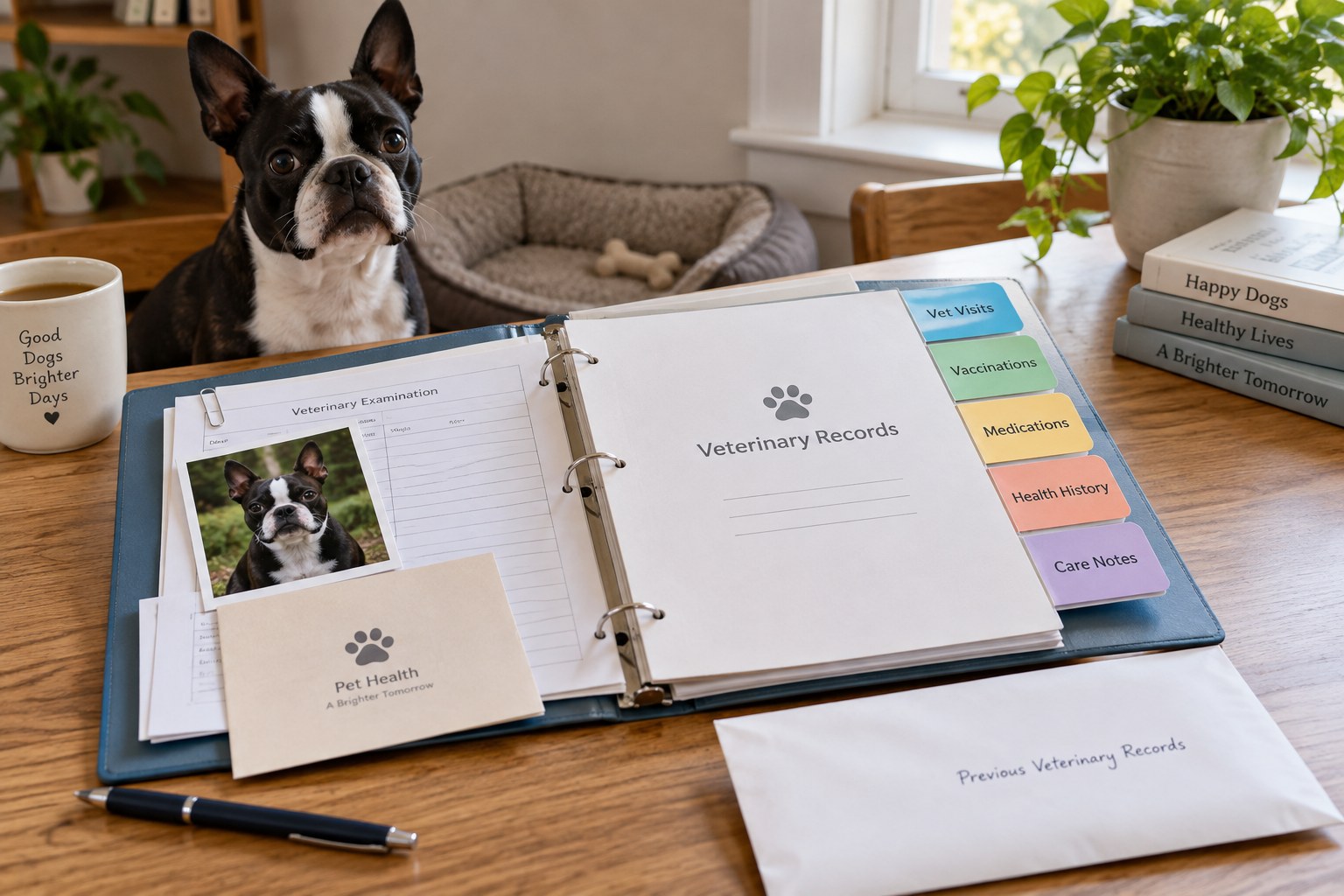
Choose a digital folder with an accessible backup and a simple paper copy for essential information. Use filenames with dates and document types, such as '2026-10-14-veterinary-summary,' rather than several files named 'dog papers.' Keep private application documents away from copies you share with a sitter.
Check what was actually received
Make a list of the medical records supplied and ask about missing pages, pending results or records held by another clinic. A vaccination summary, invoice and examination note serve different purposes. Keep them all if relevant, but do not assume one replaces the others.
Record who is expected to send anything outstanding and to which practice. Ask your new clinic what transfer process it uses, including any authorization it needs. Do not invent dates for gaps in the history; an honest 'not supplied yet' helps the clinic identify what remains unknown.
If the dog has used another name, keep that cross-reference on the folder summary and ask the clinic to confirm which record belongs to them. Check identifying numbers against the supplied documents rather than merging two files because the names resemble each other. Preserve the originals while an inconsistency is resolved, and note who is checking it.
Keep current instructions easy to find
Place prescription labels, medication information and the current written care plan together. Note which instructions are active and retain older versions separately as history. If two documents conflict, ask the responsible veterinary team before acting rather than choosing the most convenient version.
VCA's visit guidance asks owners to bring medical records and a list of current medications, including parasite prevention. Prepare that list from actual labels and records, not memory alone. Include supplements when discussing what the dog receives, and let the clinician advise what information is relevant.
Treat identification as its own task
Check the microchip number and any registry information provided at handover. Ask the rescue and registry how to complete the required transfer or contact update. The AVMA emphasizes keeping registered contact information current; possessing an adoption agreement does not by itself confirm that this administrative step is finished.
Keep confirmation of completed changes, and check that your telephone number and address are correct. Record tag information separately if you use a tag. Identification details are useful in this folder, but a microchip should not be treated as the location of the dog's complete medical history.
Close the gaps after the first appointment
Bring the folder to the introductory veterinary visit in the form the clinic requests. Ask which follow-up tasks remain, then save the new plan and appointment information. Keep a short action list outside the historical documents so overdue tasks do not disappear inside a growing archive.
Update the folder when a medication, clinic or contact changes. Give other caregivers access only to what they need and test that the essential files open on a phone. An organized record supports continuity; it is most useful when it distinguishes current instructions, historical evidence and unanswered questions.
Keep pending items visible with a next action and date. An entry might say that a previous clinic is sending records to the new practice, with the date you will confirm receipt. Close it only when the receiving practice has the information, not merely when you sent a request. This separates completed administration from a handoff that is still in progress.